

Crash games moved from niche to staple in every mobile-first casino lobby because they deliver visceral, real-time tension on a tiny screen. Yet the very loop that keeps players glued—hundreds of physics calculations and redraws every second—also drains batteries fast enough to end a session before it cashes out. In markets where 70 %+ of bets are placed on mid-range Android handsets with aging batteries (Spinlab Device Census, Q2 2025), shaving just 5 % off power consumption can translate into double-digit retention gains.
This post breaks down the physics, rendering, and networking decisions that determine how quickly a crash game eats through a phone’s battery. We finish with a practical optimisation blueprint you can ship today—plus ways to track pay-offs using Spinlab’s real-time analytics.
1. Why Crash Games Punish Batteries
A typical mobile slot spins a pre-rendered animation at 30 fps. A crash round, by contrast, involves:
- Continuous physics simulation to grow the multiplier curve (often 60–120 ticks per second)
- Real-time WebSocket messages for each increment so every client stays in sync
- GPU redraws of an ever-stretching line chart and UI labels
- Frequent user input polling (tap to cash-out)
Each subsystem taxes a different silicon block—CPU, GPU, modem—creating a worst-case power profile known as ‘thermal thrashing’. Prolonged high‐load periods trigger thermal throttling, making frames stutter and eroding trust in game fairness.
2. Measuring Battery Burn the Right Way
Before trimming fat, you need a baseline:
| Tool | Platform | Key Metrics | When to Use |
|---|---|---|---|
| Android Battery Historian | Android 5+ | mAh consumed, wake-lock time | Post-session profiling |
| iOS Instruments ➜ Energy Log | iOS 11+ | CPU/GPU utilisation, radio wake-ups | Live or post-session |
| Unity Profiler ➜ Power (Thermal) | Unity 2022 LTS | Average device temperature, power draw by subsystem | During dev builds |
| Spinlab Live Telemetry* | All | Session length vs battery %, device model, FPS | Production A/B tests |
*Spinlab users can stream anonymised battery-level deltas back to Fullhouse analytics via the open ClientEvents API—no SDK lock-in required.
Tip: Run tests on at least three device tiers (flagship, mid-range, budget) and disable developer-mode power perks like high-performance cores.
3. Physics Simulation Tactics
3.1 Decouple Game Tick From Render Tick
Most crash titles run physics at 60 Hz because it feels ‘smoother’. In blind tests, players rarely notice curve jitter below 5 px, which you can achieve with 30 Hz physics and 60 Hz rendering, halving CPU load.
Implementation snippet (pseudocode):
const float PHYSICS_DT = 1f / 30f;  // 30 Hz
var accumulator = 0f;

void Update(float frameDt) {
  accumulator += frameDt;
  while (accumulator >= PHYSICS_DT) {
    SimulateCrashStep();
    accumulator -= PHYSICS_DT;
  }
  RenderFrame();
}
3.2 Adaptive Tick Rate
Borrow a trick from mobile shooters: throttle physics when nothing interesting happens. Before the multiplier reaches 2×, reductions from 30 Hz ➜ 20 Hz are imperceptible. Once it accelerates past 10×, you can drop again because players are occupied watching the number, not judging smoothness.
3.3 Fixed-Point Math Over Floating-Point
On ARM CPUs without hardware double-precision, float64 operations can sap 15–30 % extra power. Switching to 32-bit fixed-point (Q16.16) often shaves 2-3 mAh per 10-minute session on budget phones.
4. GPU & Rendering Optimisations
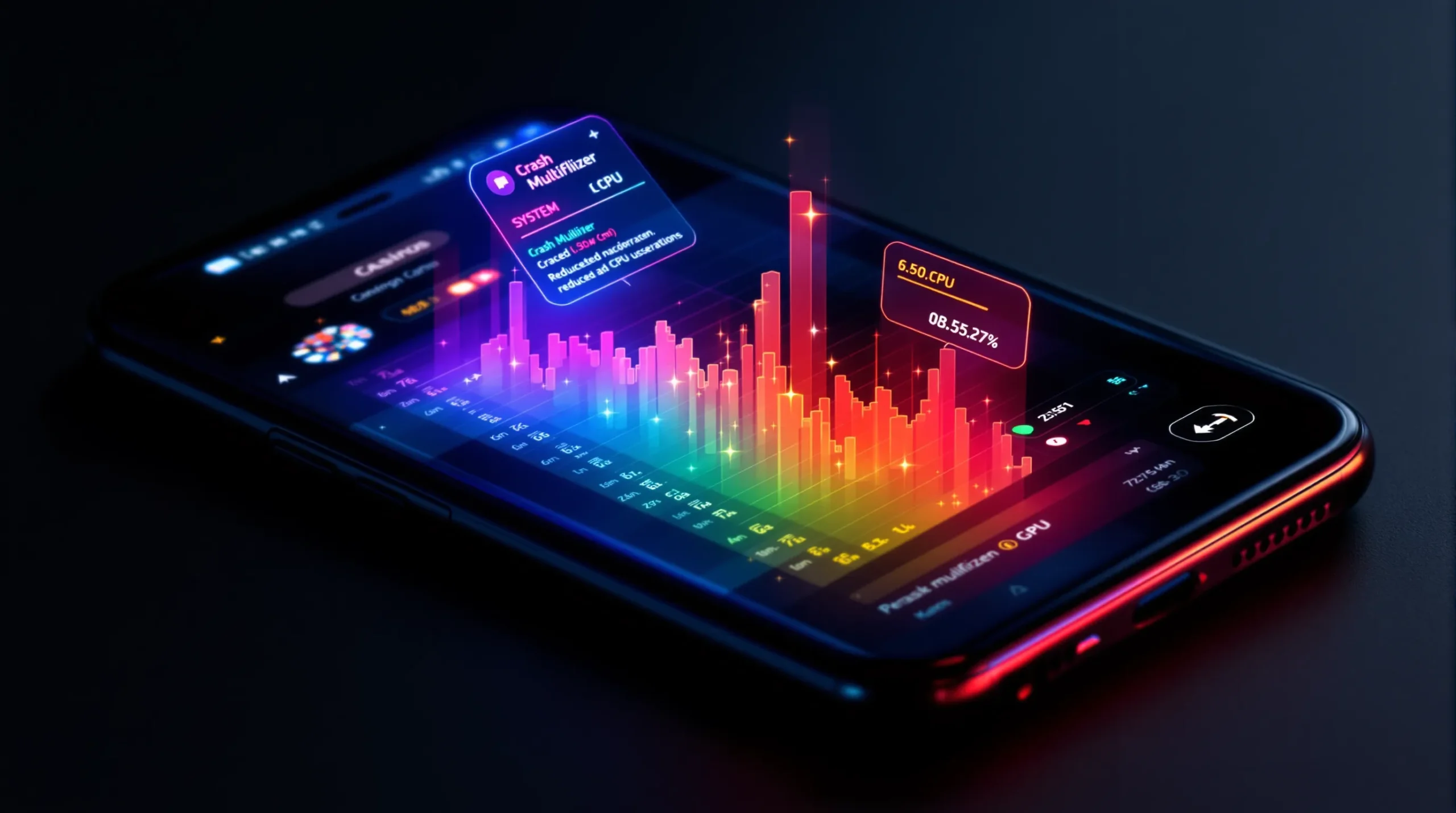
- Batch draw calls: Merge UI and curve meshes into a single dynamic VBO to reduce GPU state changes.
- Avoid translucent overdraw: A semi-transparent gradient over the curve looks slick but forces the GPU to shade the same pixel multiple times.
- Use integer scaling on low-DPI devices: Don’t render at 1080p then downscale to 720p. Render at native and sharpen fonts via SDF.
- Prefer instanced text for the scrolling player-cash-out feed. Each entry is just new text in a shared atlas.
Spinlab customers using the above have reported FPS stability gains on Samsung A-series devices without compromising art fidelity.
5. Network Efficiency = Modem Battery Savings
Radio states (particularly 5G) dominate power when active. Two easy wins:
- Batch WebSocket updates: Instead of 100 messages per second, send one packed binary every 100 ms with eight curve points. Players still see 60 fps renders using interpolation.
- Zero-duplication cash-out events: Send a single cash-out ack instead of broadcasting both player and server variants.
A/B data from a Spinlab partner showed a 12 % battery saving when message volume dropped 65 %.
6. Device-Aware Quality Scaling
Similar to how Unity’s Adaptive Performance adjusts thermal budgets, you can expose three quality tiers:
| Tier | Physics Hz | Chart Resolution | Animation Details | Target Devices |
|---|---|---|---|---|
| High | 60 | 1080p | Full gradients, motion blur | Flagships (A17, Snapdragon 8 Gen 3) |
| Medium | 30 | 720p | Gradient off, static glow | Mid-range (Dimensity 900) |
| Low | 20 | 540p | Solid colors only | Legacy (Snapdragon 662) |
Spinlab’s Config API lets operators remote-toggle tiers per device model without submitting new builds—ideal for live tests.
7. Putting It All Together: A 10-Day Optimisation Sprint
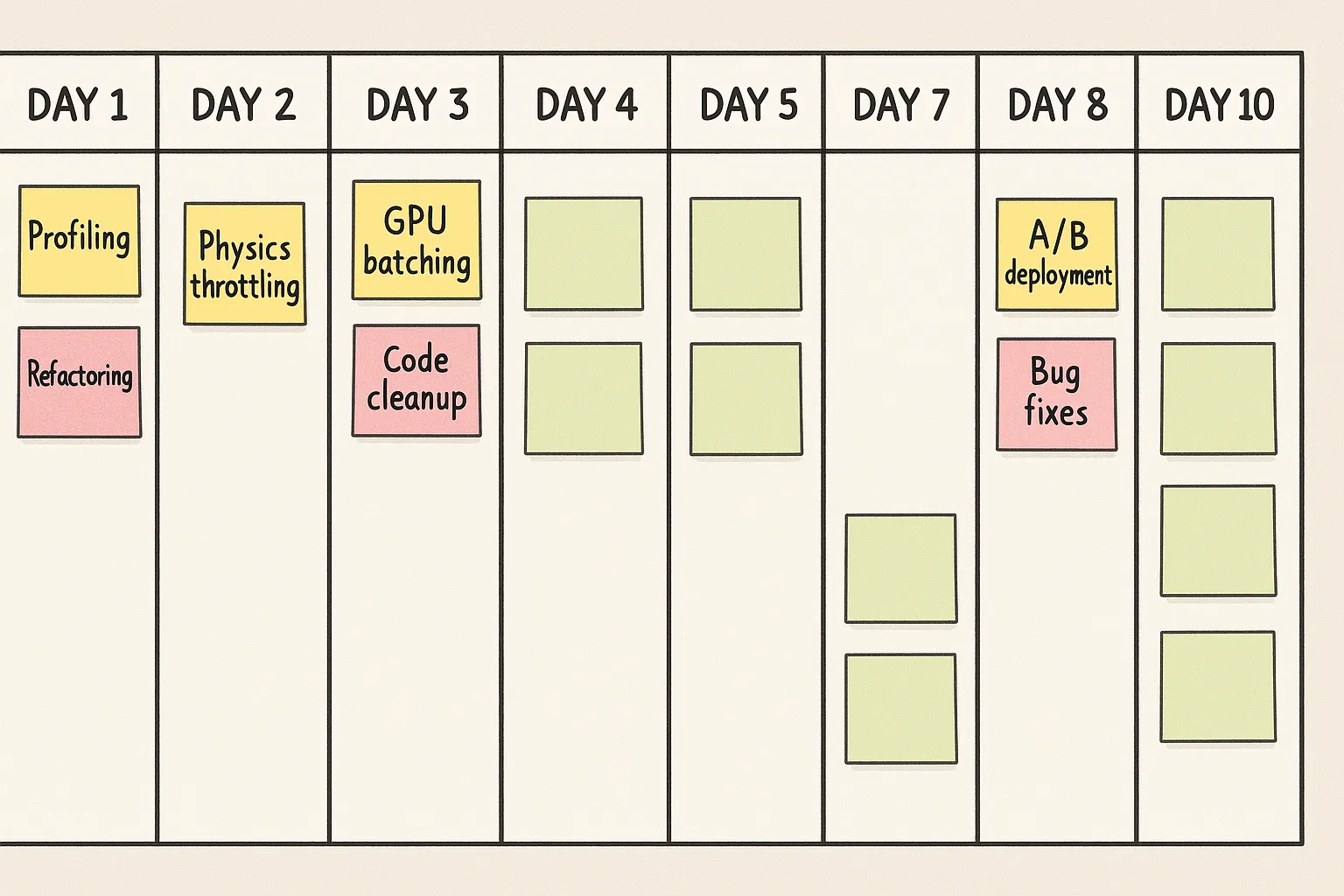
Day 1–2 • Baseline battery KPIs on three devices using existing build.
Day 3–4 • Implement 30 Hz physics & adaptive ticks; verify determinism with server seed.
Day 5–6 • Batch curve redraws & optimise shader overdraw.
Day 7 • Pack WebSocket payloads; add server delta compression.
Day 8 • Expose device-tier config via Spinlab Feature Flags.
Day 9 • Soft-launch A/B test (10 % traffic); stream battery delta to analytics.
Day 10 • Roll-out on success criteria: –8 % battery per 15-minute session, ≤ 1 fps variance.
8. Tracking Business Impact
Battery savings alone don’t pay the bills; extended sessions and retention do. Use Spinlab’s event pipeline to correlate Avg Session Length and Day-7 Retention against battery metrics:
SELECT device_tier,
       avg(session_minutes) AS avg_min,
       avg(battery_drop) AS avg_bat,
       retention_d7
FROM   session_analytics
WHERE  game_id = 'crash_42'
GROUP  BY device_tier;
Early adopters have logged up to +9.4 % Day-7 retention on low-tier Android cohorts after deploying the full optimisation set.
9. Next Steps
- Deep-dive into provably-fair maths and server authority in “The Beginner’s Roadmap to Launching a Crash Game in 2025”.
- Explore low-latency streaming trade-offs in “WebRTC vs HLS for Live Casino Streaming”.
- Ready to stress-test your crash title on Spinlab’s hybrid crypto-fiat platform? Book a 30-minute technical audit and get a free battery-profiling report tailored to your player mix.
By respecting the physics of lithium-ion as much as the physics of your in-game rocket, you’ll keep players in the air—and in the app—far longer.